Slide Editing
After following the steps described above, the Campaign will be registered. To edit the Campaign Slide, you need to access a previously created Campaign containing the Slide you want to edit.
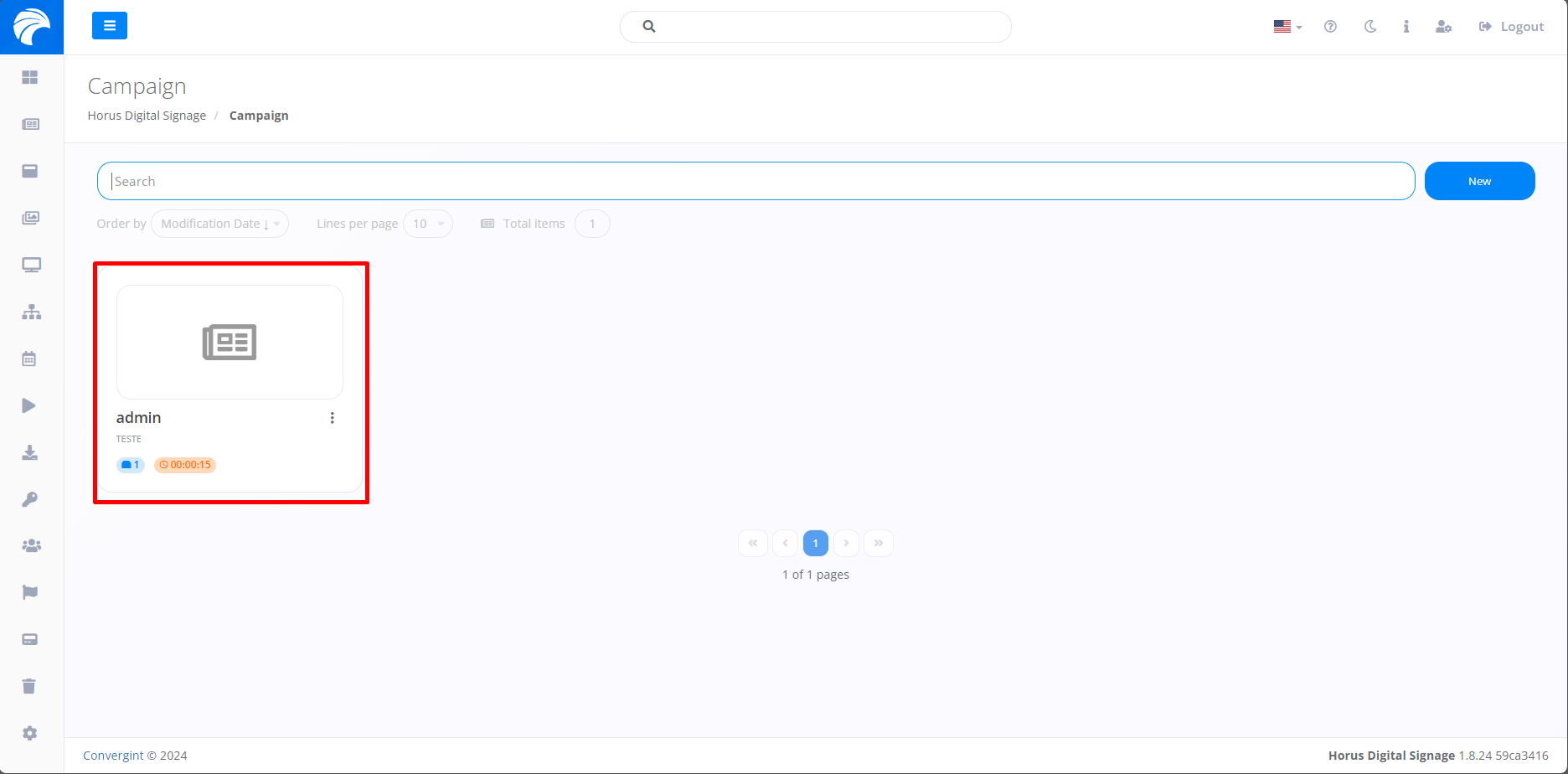
After accessing a Campaign, the system will display the Campaign Interface, where you can edit a Slide by clicking on the button with a pencil icon.
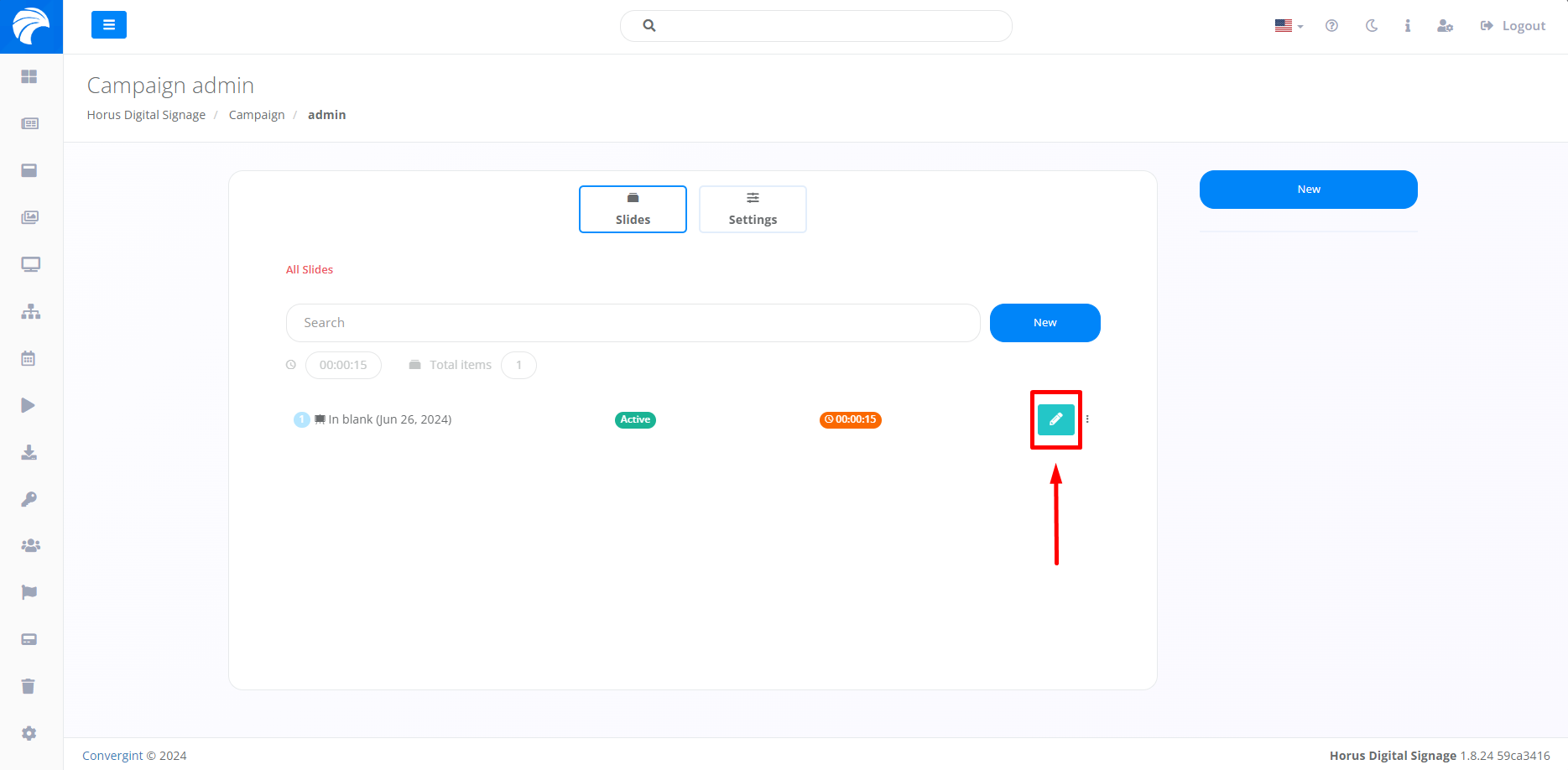
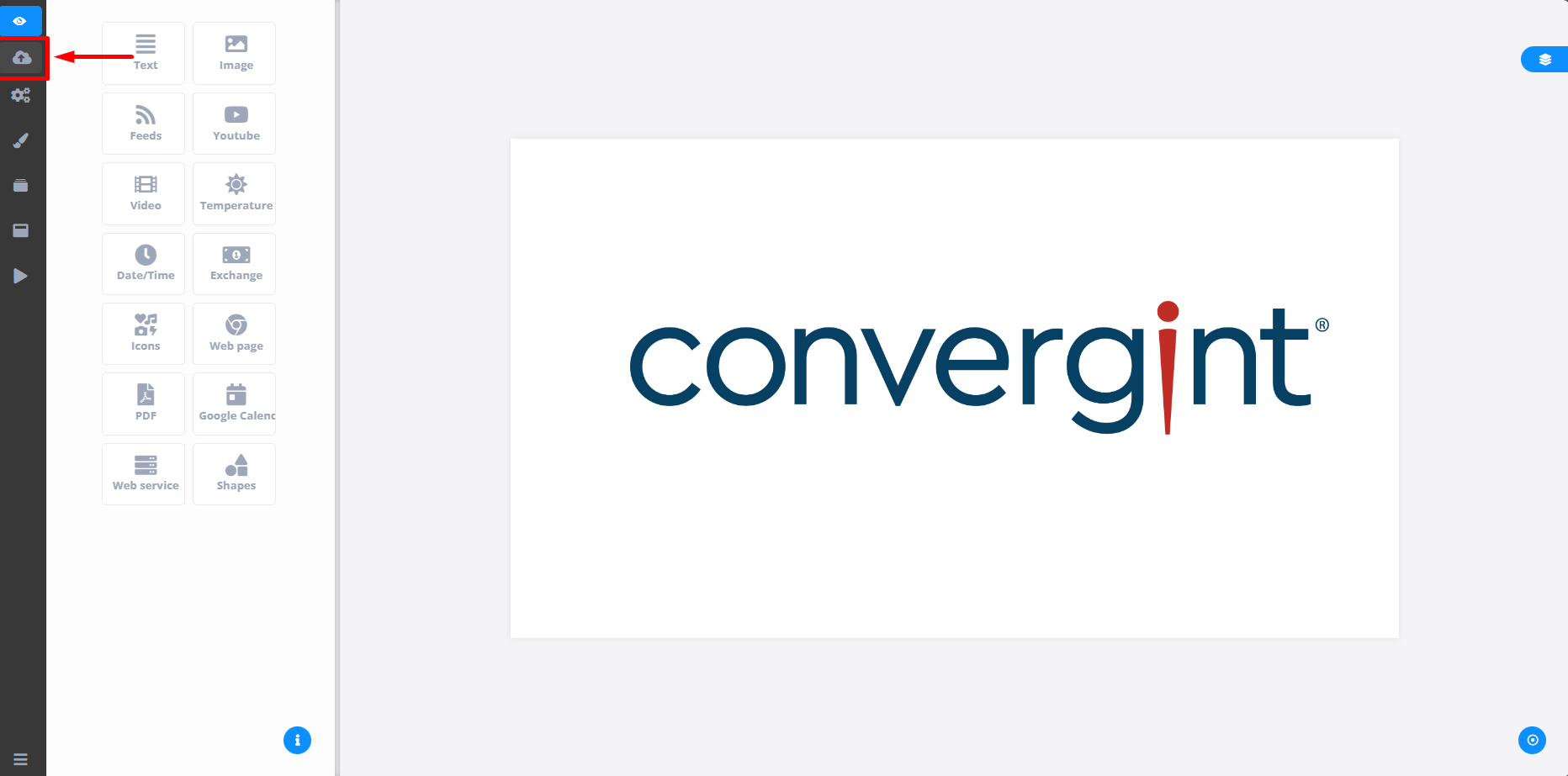
After clicking on the button marked in the image above, the Slide editor will be displayed, offering a variety of Templates that can be used or changed on the Slide you want to edit the information described. After editing, simply click on the cloud button to save the Slide.